

Overview
You can extract the Shopify product ID using two methods:
- Get the Shopify product ID via the admin section of your store
- Get the Shopify product ID via Liquid code
Method 1: Via the admin dashboard
First, log in to your Shopify dashboard. If you need help, follow the tutorial: "How to login into your Shopify store"
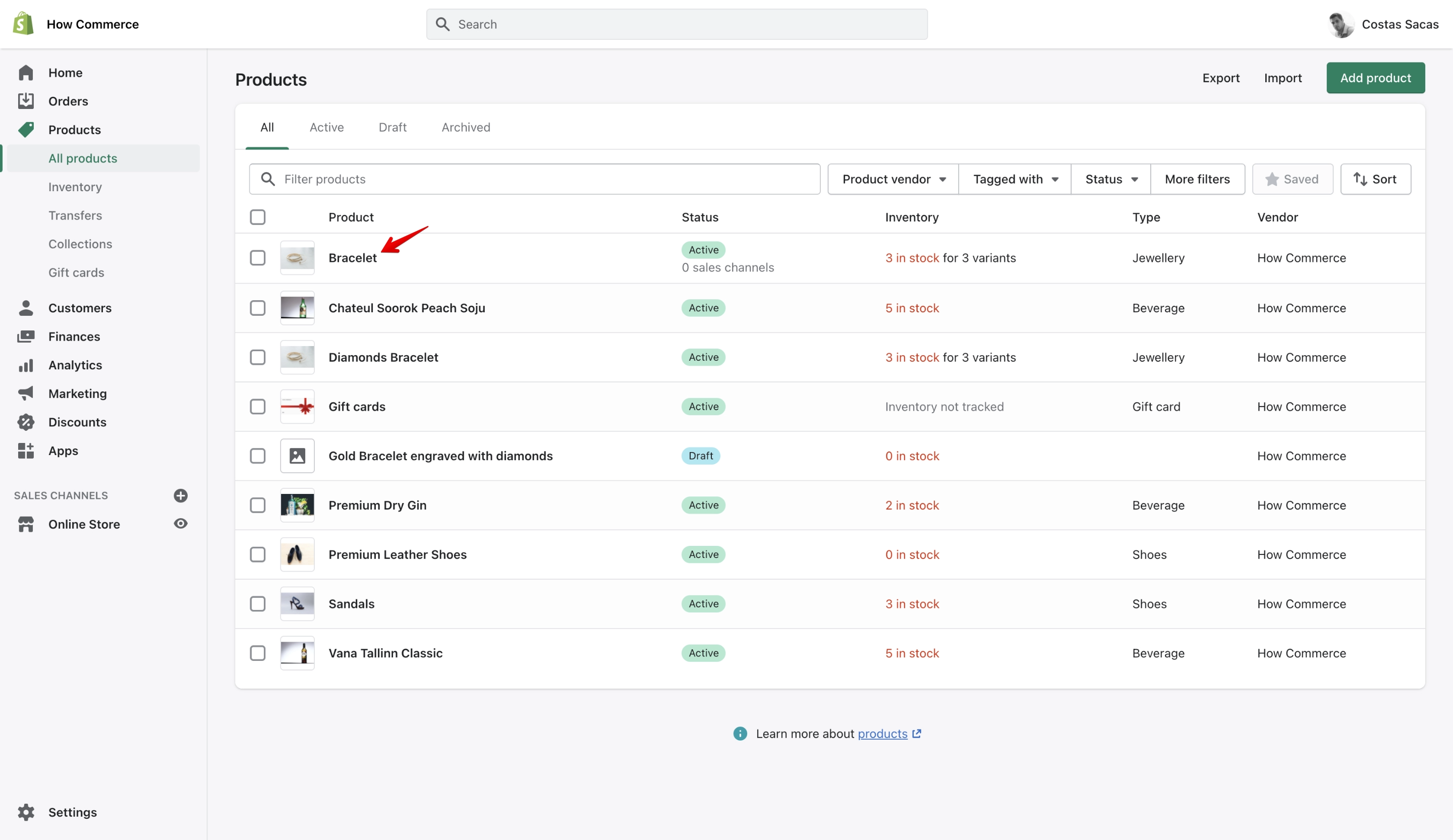
Once logged in, go to the products page and select a product:
On the product page, examine the URL in your browser's address bar to find the product ID:
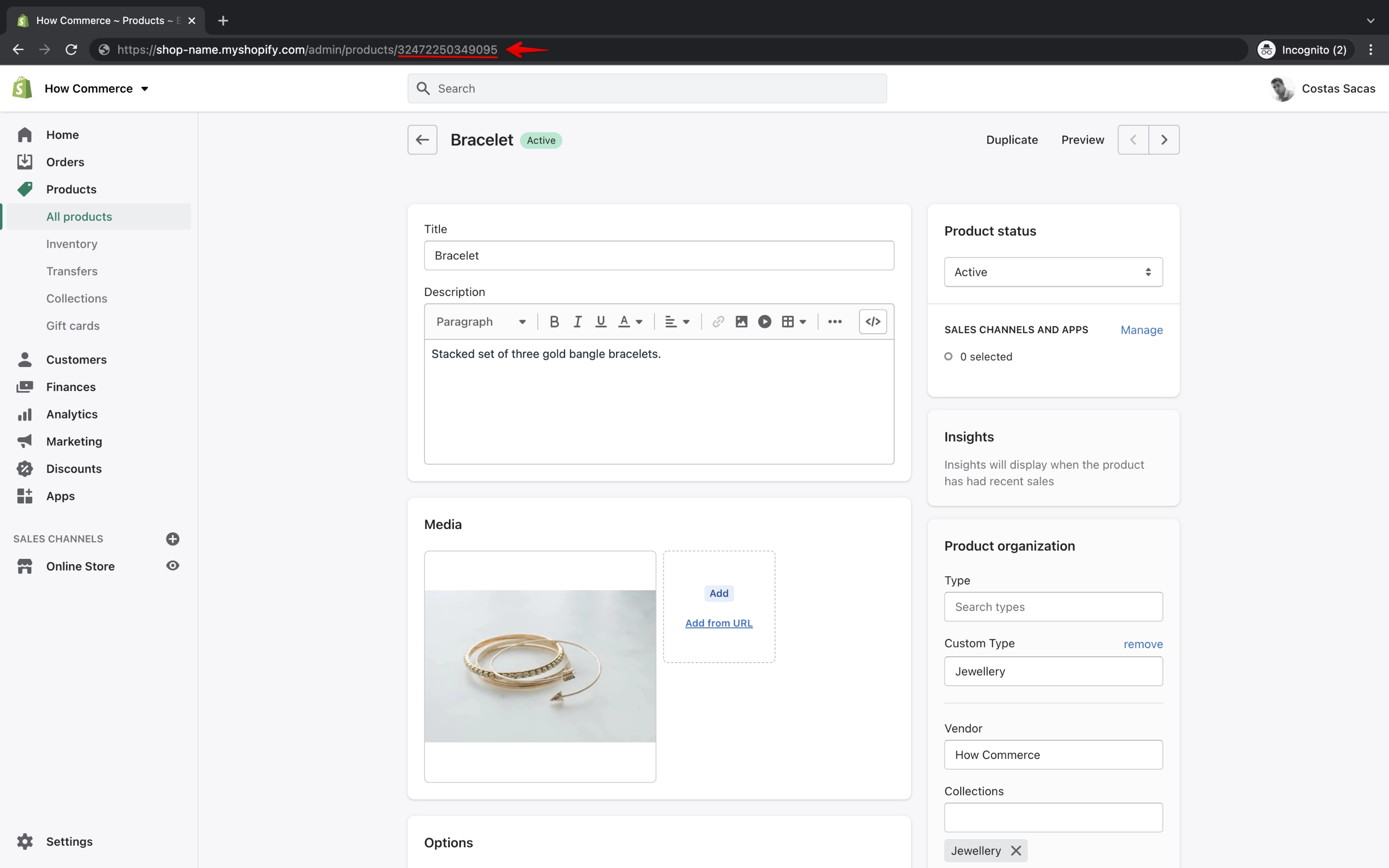
Your browser URL should look similar to this:
https://shop-name.myshopify.com/admin/products/32472250349095
The number after /products/ is the product ID. In this example, the product ID is 32472250349095 (yours will be different).
Method 2: Via Liquid code
You can print the Shopify product ID from inside your theme files using Liquid code:
{{ product.id }}Conclusion
Either method takes less than one minute to find your Shopify product ID. Both methods were accurate at the time this article was written.